
How to Maximize Your Viofo Camera’s Features for Ultimate Recording Quality
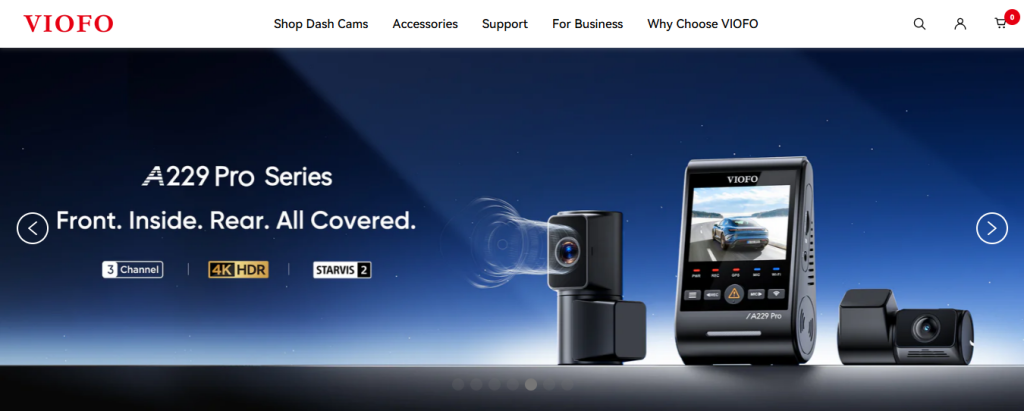
Are you ready to take your recording game to the next level? Whether you’re capturing breathtaking landscapes on a road trip, documenting an adventurous hike, or ensuring safety on the road with dashcam footage, your Viofo camera is a powerhouse of features just waiting to be unleashed. But are you using it to its full potential? In this blog post, we’ll dive deep into the world of Viofo cameras and explore tips and tricks that will help you maximize every setting and feature for ultimate recording quality. From optimizing video resolution and frame rates to utilizing advanced modes like HDR and loop recording, we’ll guide you through each step toward creating stunning visuals that you’ll want to share with everyone. So grab your camera, get comfortable, and let’s unlock the secrets to transforming ordinary moments into extraordinary memories!
Understanding the Features and Functions of Viofo Cameras
Viofo cameras are celebrated for their cutting-edge technology and user-friendly design. They cater to a variety of recording needs, making them ideal for both casual users and professionals. One standout feature is the high-resolution video capture. Whether it’s 4K or Full HD, Viofo provides clear and vivid images that enhance every detail in your footage. Another critical function is the built-in GPS. This allows you to track speed and location data during your recordings, adding context to your adventures or road trips. Many models also offer advanced image stabilization. This ensures smooth footage even on bumpy roads or during intense activities, reducing post-production hassle. Additionally, Viofo cameras often come equipped with Wi-Fi connectivity. This enables instant sharing of videos to mobile devices for quick edits and uploads.
Tips for Optimal Recording Quality
To achieve the best recording quality with your Viofo camera, start by adjusting the settings. Select a resolution that matches your needs—higher settings yield clearer images but require more storage space. Proper mounting and positioning are crucial too. Ensure your camera is mounted securely at an angle that captures the desired view without obstruction. This can greatly enhance video clarity. Don’t overlook external accessories. Using filters can reduce glare and improve color accuracy, while additional batteries ensure long-lasting recordings during extended trips. A good microphone can also capture sound more effectively than built-in options. Lastly, consider lighting conditions when recording. Bright environments may wash out detail, while low light situations benefit from night vision mode for enhanced visibility. Each of these factors contributes significantly to producing high-quality footage with your Viofo camera.
Adjusting Settings
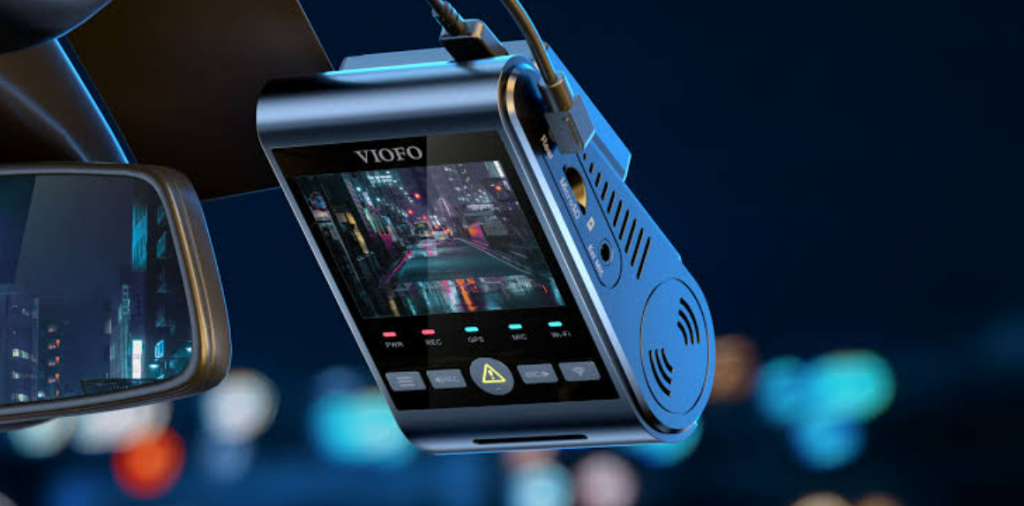
One of the first steps to maximizing your Viofo camera’s recording quality is adjusting its settings. Each model comes with a variety of options tailored for different environments and situations. Start by selecting the right resolution. Higher resolutions like 4K capture more detail, but they also require more storage space. If you’re planning longer recordings, consider using 1080p instead. Next, pay attention to the frame rate. A higher frame rate provides smoother footage, especially during fast-moving activities. However, it can impact battery life and storage capacity. Don’t forget about exposure settings as well. Adjusting these helps balance light in bright or dim conditions, ensuring that your video remains clear regardless of surroundings. Finally, explore additional features such as HDR or WDR modes if available on your model; they can significantly enhance dynamic range and clarity in challenging lighting conditions.
Proper Mounting and Positioning
Proper mounting and positioning of your Viofo camera can dramatically enhance recording quality. The right angle ensures that you capture the action without missing critical moments. Start by selecting a solid surface for mounting. Whether it’s a windshield, helmet, or dashboard, stability reduces vibrations that could blur your footage. Positioning is equally crucial. Aim for a field of view that encompasses your surroundings while avoiding obstructions from mirrors or other elements in the vehicle. A higher placement often yields better results as it captures more of the scene. Experiment with angles before securing the mount permanently. This allows you to find the sweet spot for capturing dynamic shots during drives or adventures. Lastly, remember to check local regulations regarding camera placement on vehicles to ensure compliance and safety while recording.
Utilizing External Accessories
Utilizing external accessories can significantly enhance your Viofo camera’s performance. Adding a high-capacity microSD card ensures you won’t miss critical moments. Opt for cards with higher write speeds to support 4K recording without any hiccups. Consider an external microphone. This accessory captures clearer audio, especially during road trips or when documenting events. A good mic can turn a standard video into something more engaging. For improved stability and clarity, invest in a gimbal or tripod. These tools help eliminate shaky footage while providing versatile shooting angles. Lastly, explore lens filters like ND (Neutral Density) filters. They reduce glare and balance exposure on sunny days, ensuring that your videos remain sharp and vibrant even in challenging lighting conditions. Each accessory opens new possibilities for creativity and quality in your recordings.
Advanced Features and Techniques
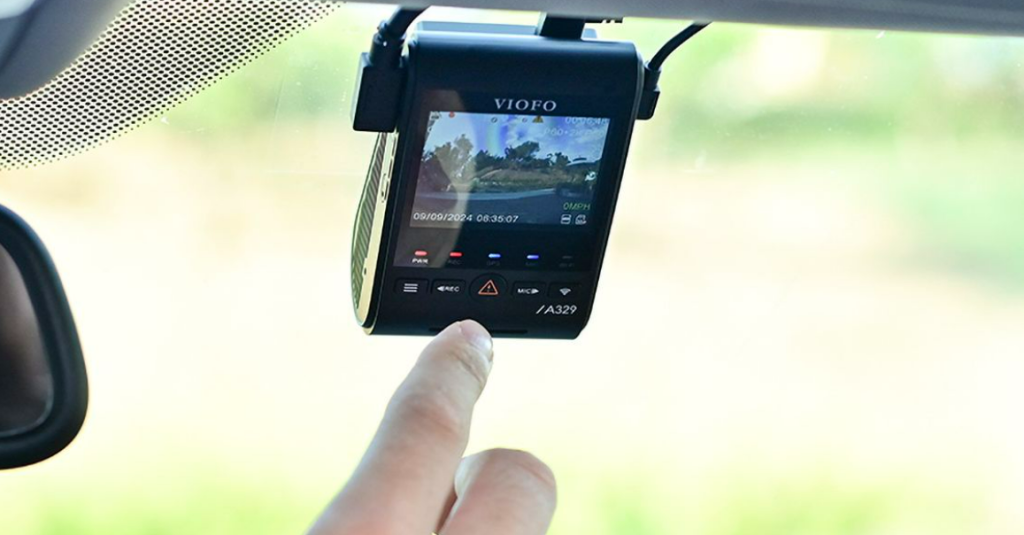
Viofo cameras come packed with advanced features that can elevate your recording experience. Loop recording is a standout function, allowing you to capture continuous footage without worrying about storage space. As old files get overwritten by new ones, you’ll always have the latest recordings at hand. Time-lapse recording adds another layer of creativity. It condenses hours into seconds, making it perfect for documenting long journeys or scenic views in a captivating way. This feature is great for both personal projects and professional use. Night vision mode ensures clarity even in low-light conditions. Whether you’re driving after dark or capturing nighttime events, this functionality helps maintain video quality when visibility dips. By leveraging these techniques effectively, you can create stunning visuals that tell compelling stories and enhance your content’s appeal.
Maintenance and Care for Your Viofo Camera
Taking care of your Viofo camera is essential for longevity and optimal performance. Start with regular cleaning. Use a microfiber cloth to wipe the lens gently, removing dust and fingerprints that could affect image clarity. Check all connections frequently. Ensure the power cable and mounts are secure, preventing unnecessary disruptions during recording sessions. A loose connection can lead to frustrating interruptions. Store your camera properly when not in use. Keep it in a cool, dry place away from direct sunlight or extreme temperatures. This protects sensitive components from damage. Finally, update firmware regularly through the Viofo website or app. These updates often include enhancements that improve functionality and fix bugs, ensuring your device runs smoothly over time. Proper maintenance will keep your recordings crisp and clear.